
Session packs
Define your session packs once — several sessions at a pack price — and start from one whenever you sell a pack.
Updated 2026-10-06
A session pack is several sessions sold together, usually below the regular price — for example 5 Swedish massages for 400 $. Define your packs once in Business Settings → Services, in the Session packs section below your categories. When you sell a pack to a client, you start from one of them — see Sell a session pack by hand.
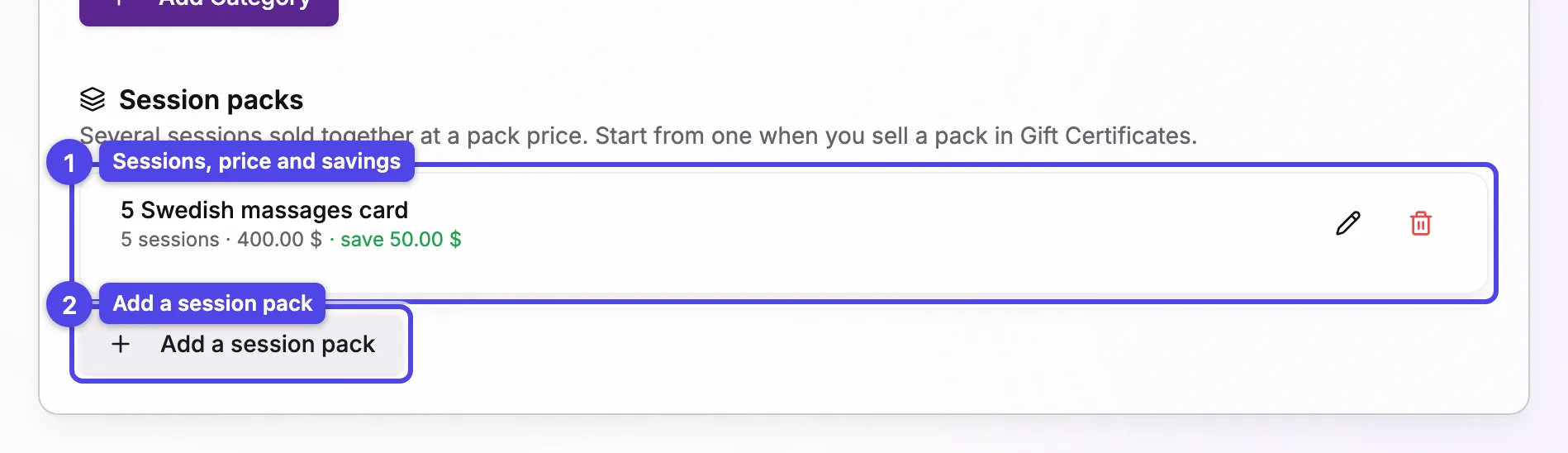
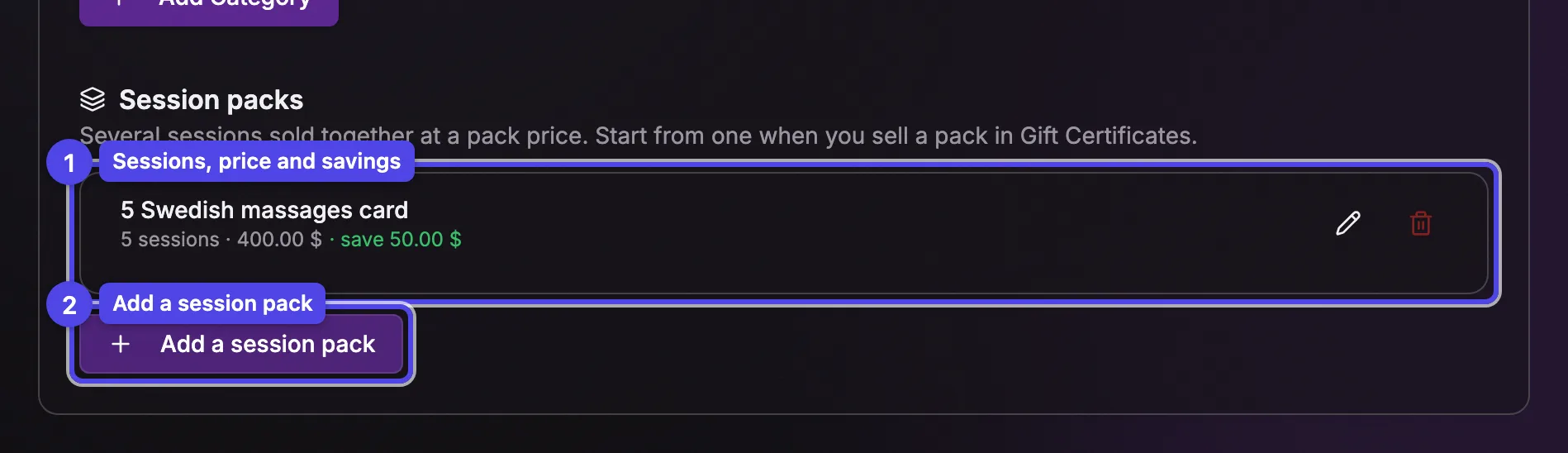
Add a session pack
Click Add a session pack below the list.
Name, therapist and locations
Give the pack a name. Choose a Therapist to lock every session to them, or keep Any therapist. With several locations, you can limit where the sessions can be used.
Sessions and price
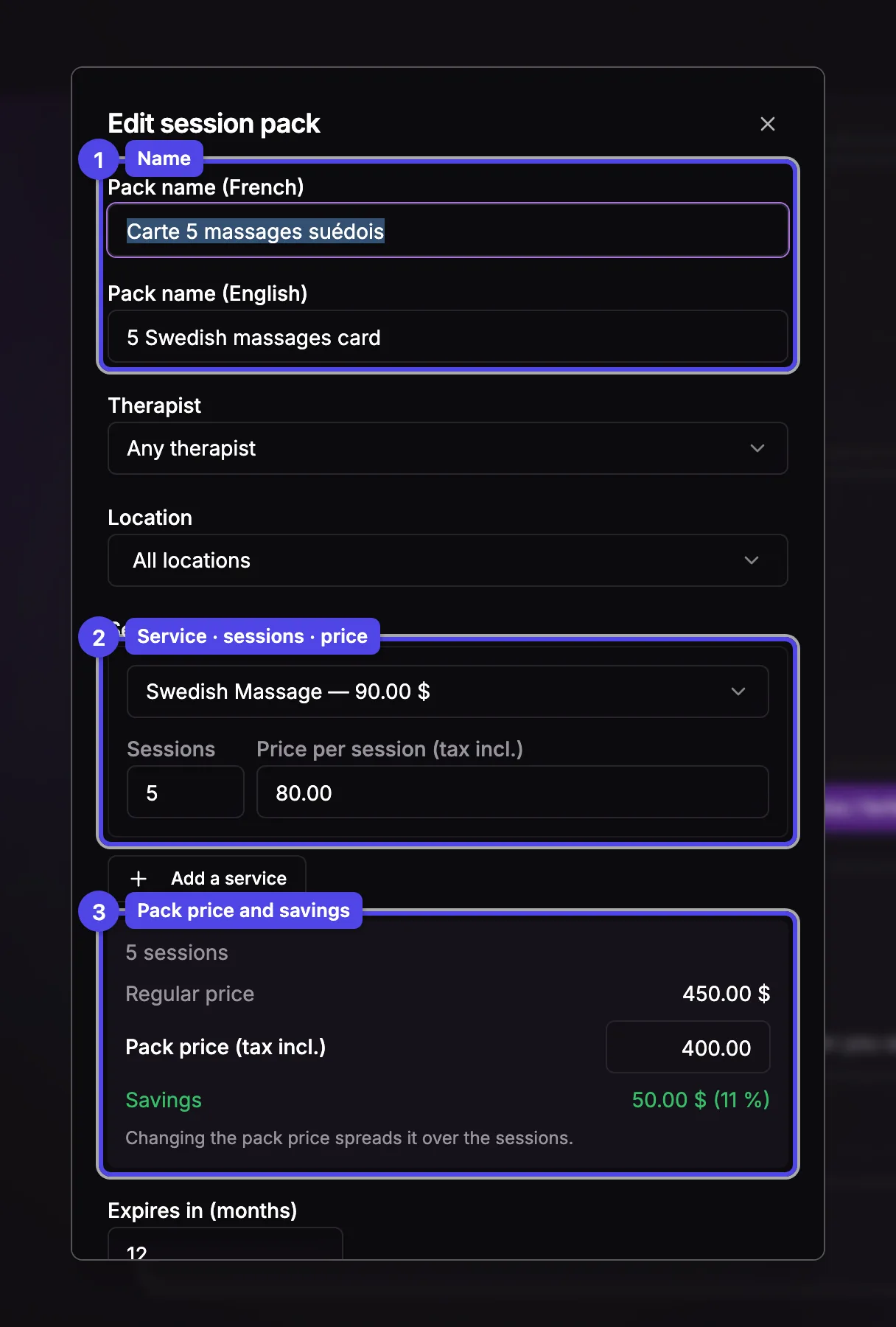
Each row is a service, its number of sessions and the Price per session (tax incl.). Add a service mixes services in one pack. Type the price you want in Pack price (tax incl.): it's spread over the sessions, and the Savings line shows the discount on the regular price.
Validity
Expires in (months) sets how long the sessions stay valid once sold. Leave it empty to use your usual certificate validity.
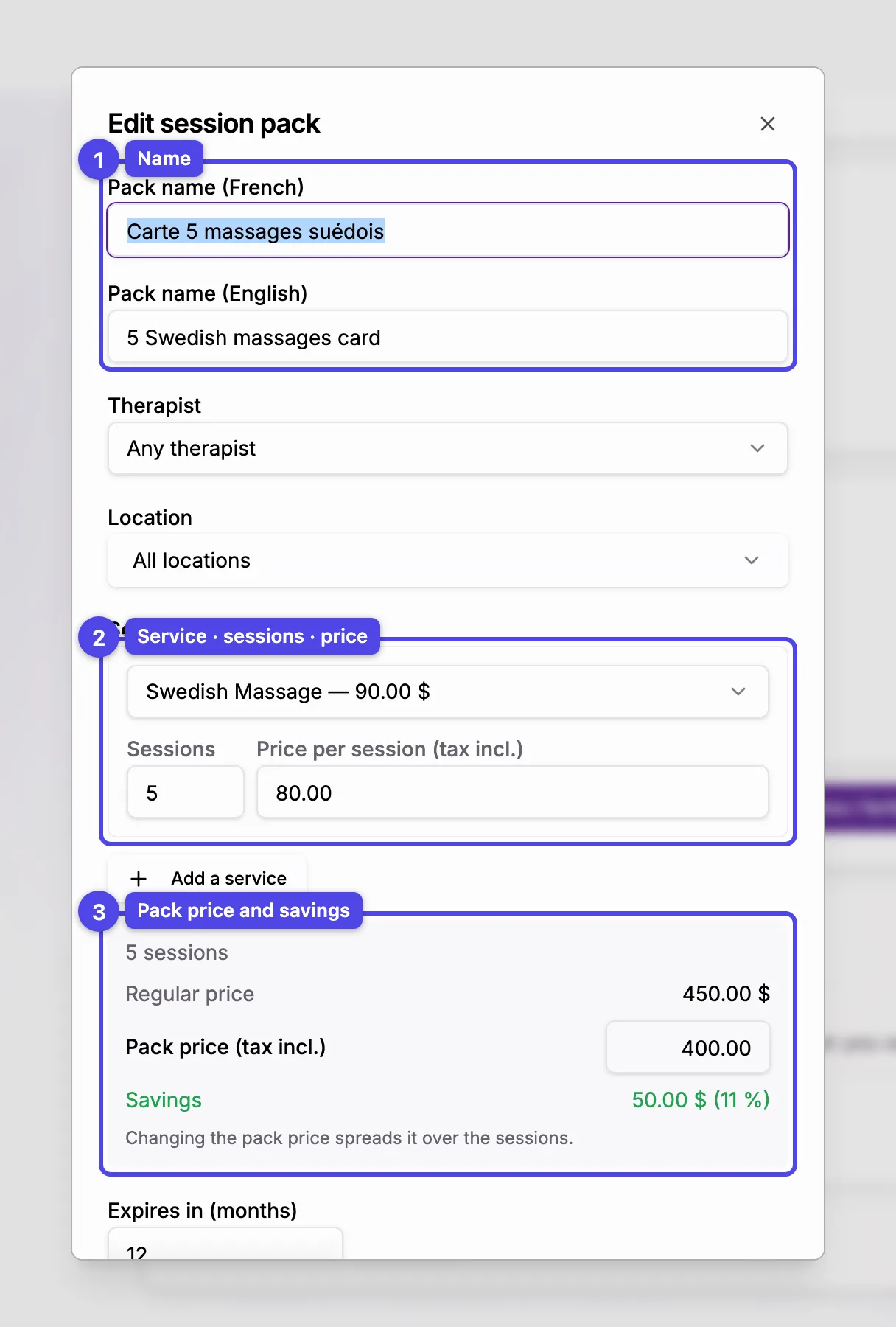
Changing a session pack only changes what you'll sell from now on: packs already sold keep their sessions and prices. Deleting one doesn't affect packs already sold either.
A session pack is a set of separate visits, each paid by one of its sessions. A forfait is one visit with several services back to back.