
Promo codes
Create percentage or fixed-amount discount codes and scope them to services, locations, team members, or one client.
Updated 2026-06-14
Promo codes are discount codes clients enter at checkout. Each code can be a percentage off or a fixed dollar amount, and you can limit who uses it and how many times.
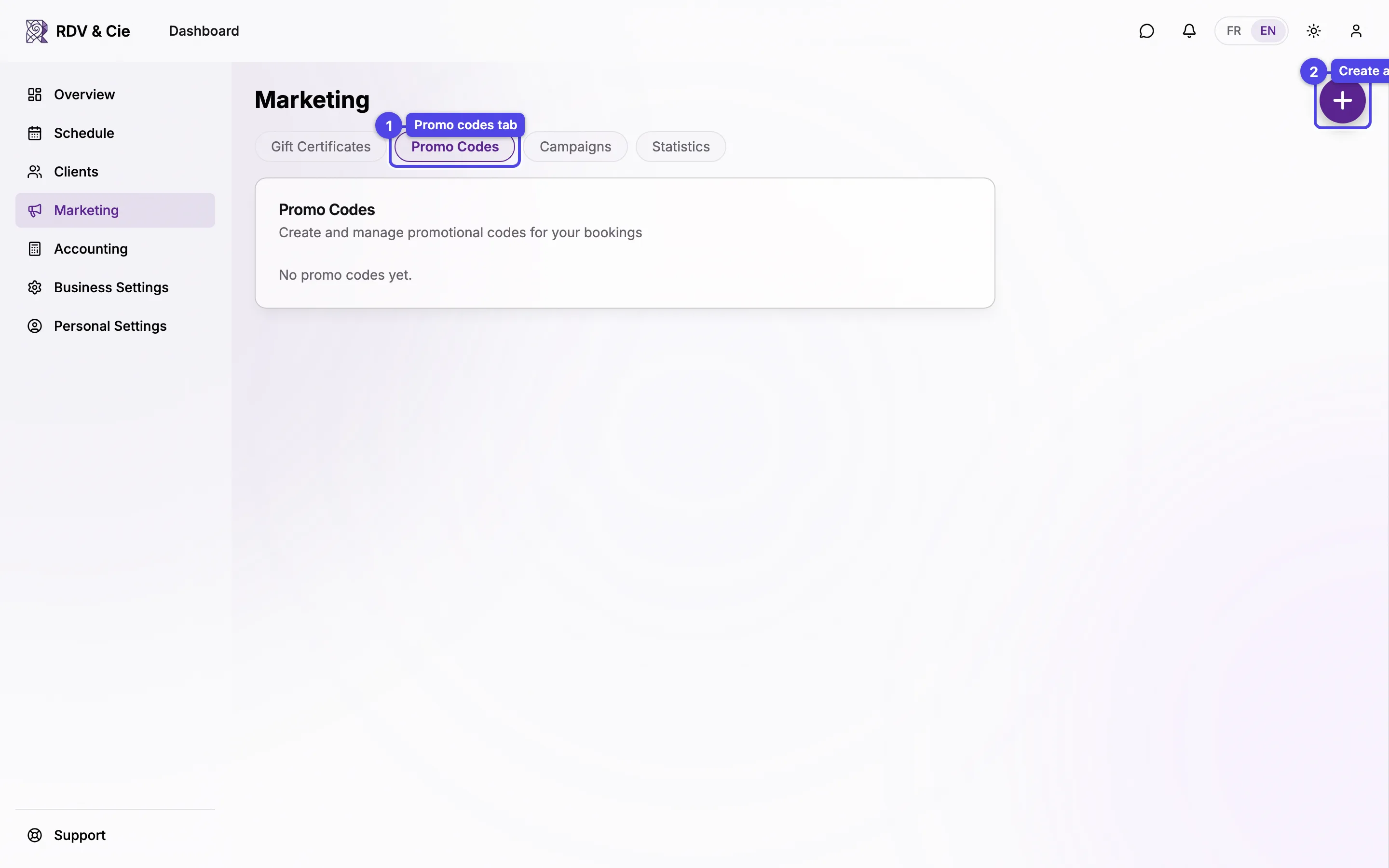
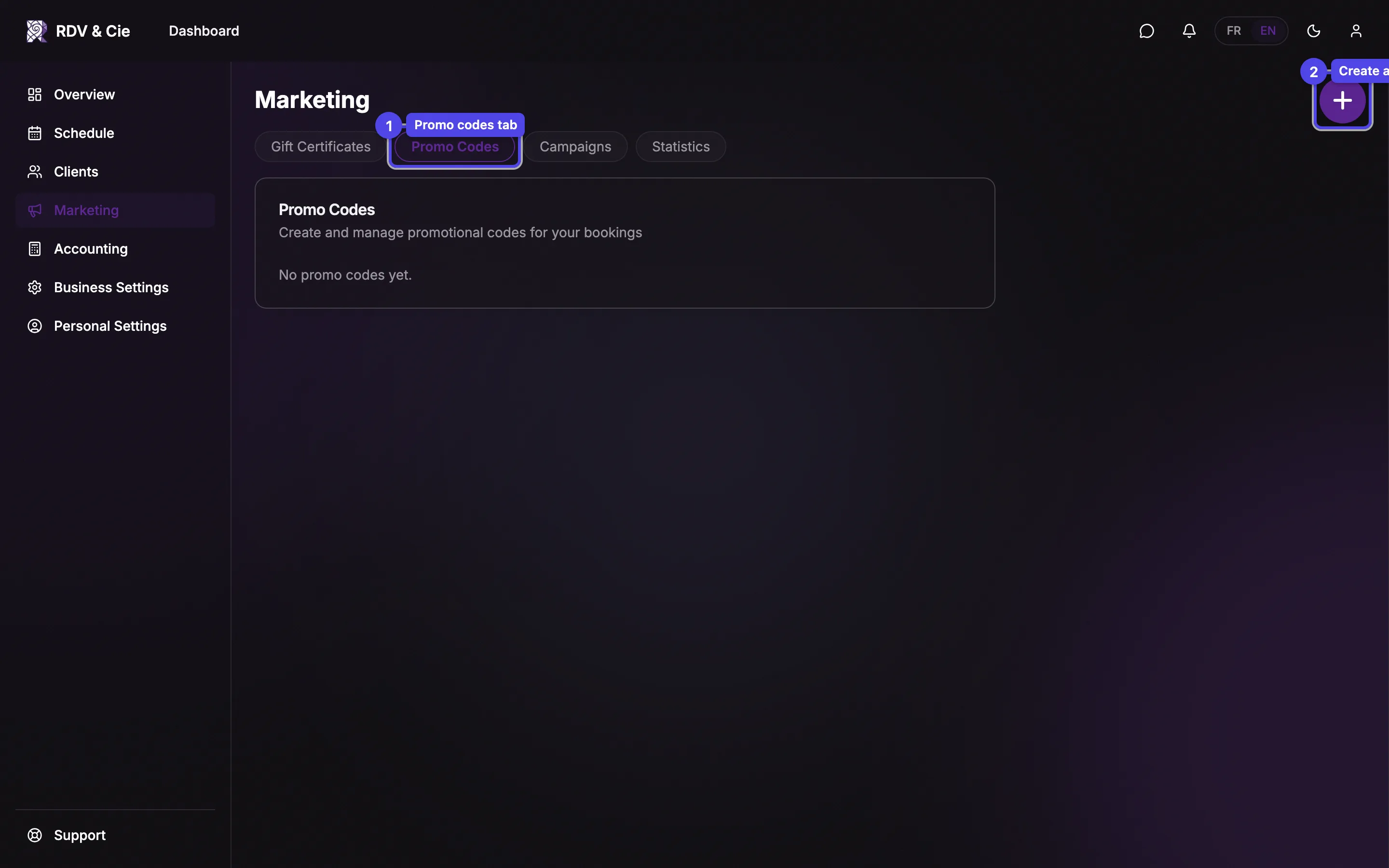
The list
Each code shows its code text, a status badge, the discount, and how it's been used:
- Active — usable now.
- Scheduled — its start date is in the future.
- Inactive — switched off.
- Expired — past its end date.
For fixed-amount codes the remaining balance is shown too. Each row has a pencil to edit and a trash to delete.
Create or edit a code
Press the round + button. The dialog has these fields:
Code
The text clients type — it's upper-cased automatically. You can't change the code after creating it; edit the other settings instead.
Name (FR / EN)
An internal label for the code, shown in the list. Bilingual businesses get a field per language.
Discount type
Percentage or Fixed amount, then the matching value field — a percent (0.01–100) or a dollar amount.
Valid from / Valid until
The date window the code works in.
Max uses / Max uses per client
Total redemptions allowed, and per-client cap. Leave blank for no limit.
Client restriction
Link a single client to make the code usable only by them. Leave empty for everyone. Use Remove to clear a linked client.
Services / Locations / Therapists
Multi-select scopes — leave a scope empty to allow all. Inactive services are
marked (inactive). Location and therapist scopes appear only when you have
more than one.
Press Save. It stays disabled until the code, name, and both dates are filled in.
A fixed-amount code works like store credit: it carries a balance and the "remaining" total drops as it's used, so a single code can cover several smaller bookings.