
Add a boutique item
Create the gift certificates, custom-amount cards, service certificates, and forfait packages your clients buy in the public boutique.
Updated 2026-06-15
Boutique items are the products clients buy on your public Boutique storefront. Open the Boutique tab and press the round + button to open the item editor.
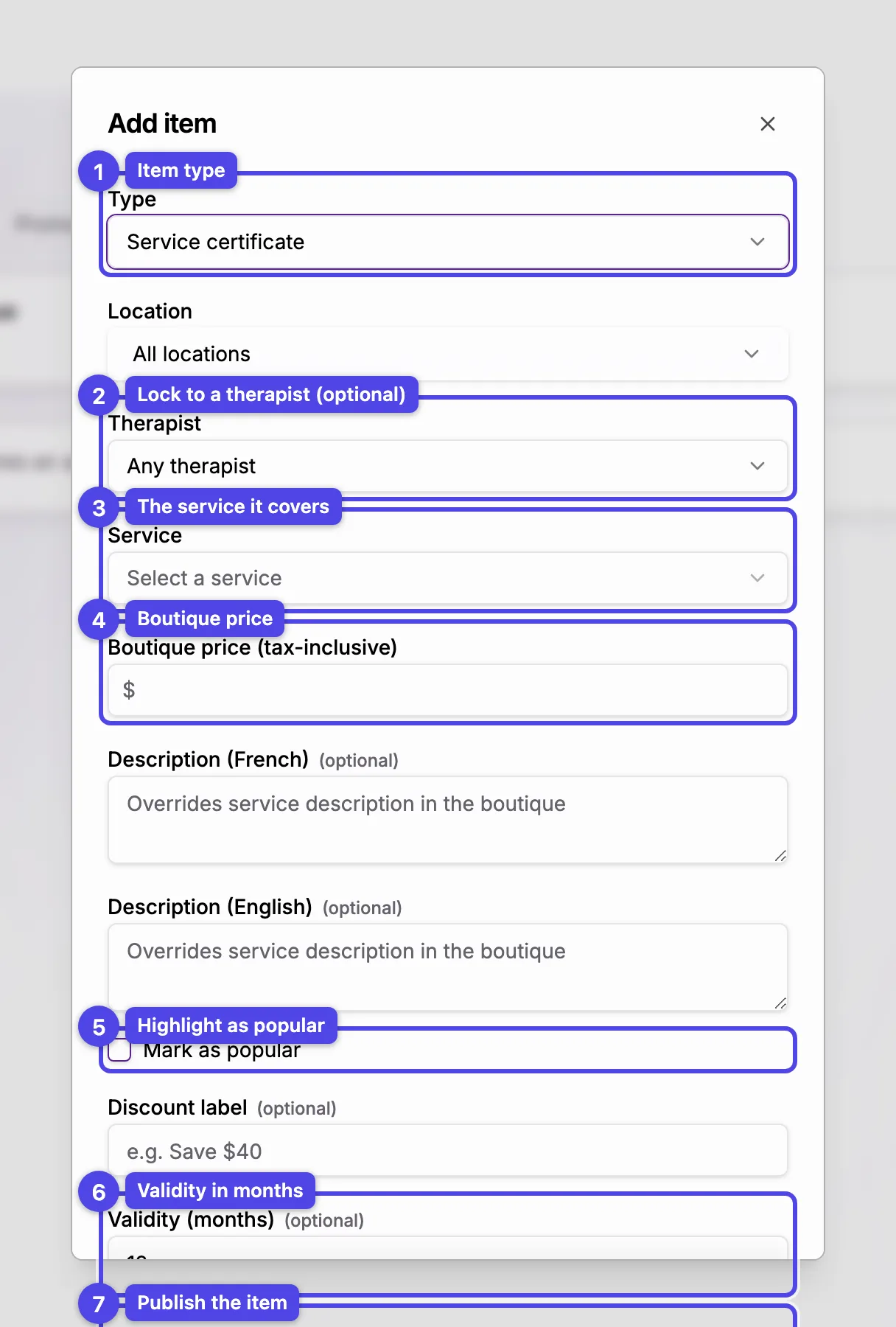
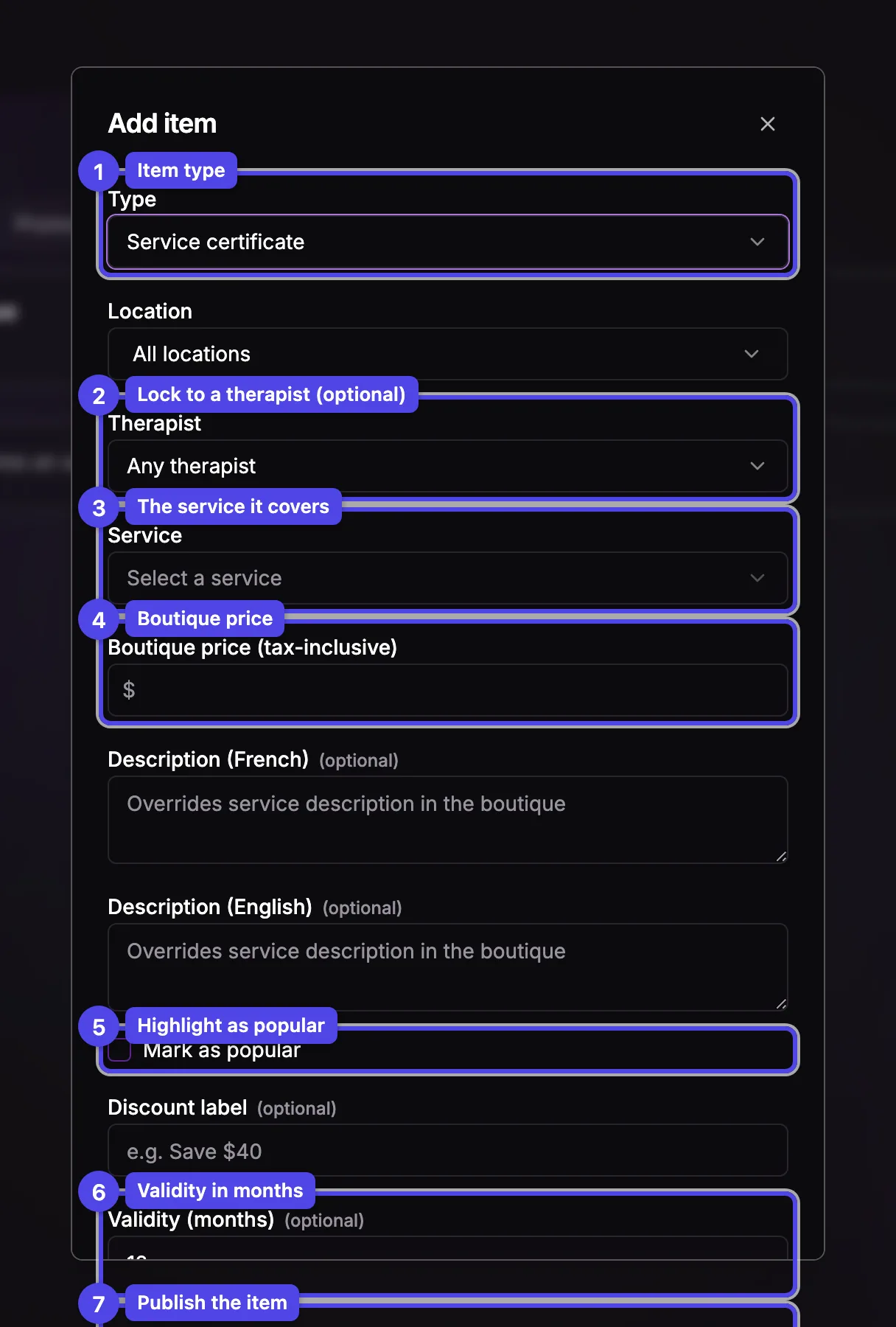
Choose the type
Type
Pick what you're selling. The type can't be changed after the item is created.
- Dollar certificate — a fixed-value gift card (e.g. $100).
- Custom amount — the buyer chooses any value between a minimum and maximum you set.
- Service certificate — covers one specific service, optionally discounted.
- Multi-session package — a forfait bundling several sessions at one price.
The fields below depend on the type. The screenshot shows a Service certificate, the default for a new item.
Service certificate
Location
When your business has more than one location, limit the certificate to specific ones. With a single location this control is hidden.
Therapist
Leave it on Any therapist, or lock the certificate to one team member — the service picker then only offers the services that therapist performs, and the price reflects their rate.
Service
The service the certificate covers. A warning appears if the chosen service is hidden from clients, because the item won't show in the public boutique.
Boutique price (tax-inclusive)
Auto-suggested from the service's full tax-inclusive price. Lower it to offer a discount — the percentage off the Regular price is shown right below.
If you hide your prices from clients (Show prices to clients in Booking Policy), your boutique still shows each item's boutique price — buyers need it to pay — but not the regular price, the discount, or the per-session price. A note in this dialog reminds you that the suggested price is the service's price with taxes; change it if you don't want buyers to see it.
Dollar certificate, custom amount, and forfaits
- A Dollar certificate asks only for a single Amount.
- A Custom amount card asks for an Amount range — a minimum and a maximum.
- A Multi-session package asks for a Name, an optional therapist scope, and a list of Included sessions you add one at a time with Add session. A running Package total and the discount versus the regular total are shown as you build it.
Shared options
Name and Description
Optional bilingual name and description that override the defaults (a name is required for packages). Custom-amount cards have no description.
Mark as popular
Highlights the item on the storefront.
Discount label
An optional badge such as "Save $40", shown on the item card.
Validity (months)
Overrides your default certificate expiry for this item. Dollar certificates and custom-amount cards never expire, so they have no validity field.
Create / Save
Publishes the item to your boutique.
A service certificate whose service is hidden from clients, or a package with an unavailable session, is flagged in the list — clients can't complete those purchases until you fix the service.