
Profile, services & receipts
Manage a team member's public profile, the services they offer, and their insurance receipt types.
Updated 2026-07-28
For an accepted therapist, the member dialog has three more tabs beyond General and Working Hours: Profile, Services, and Receipts. Open the person's card in Business settings → Team and switch tabs along the top.
Profile tab
The Profile tab is the public-facing information shown on the marketplace and in the booking flow. It saves with the Save button at the bottom of the tab.
Therapist photo
Upload a profile photo. You crop it to a circle before it's saved; the trash icon clears it. This photo appears on the person's marketplace profile.
Professional title
A short title shown next to their name during booking (e.g. "Massotherapist • Kinesitherapist"). If the business supports both languages you'll get separate French and English fields.
Status message
An optional note shown to clients on the therapist selection step of the booking flow and on the business's public profile page, above the person's next availability — for example On vacation, back August 18. Empty means nothing is shown.
Years of experience
A simple number, shown on the profile.
Certifications
A comma-separated list (e.g. "RMPQ, FQM, ANN") rendered as individual tags.
Languages spoken
Toggle the languages this person works in (Français, English, Español, Português, 中文, العربية). At least one should be selected.
Professional bio
A short introduction (up to 1000 characters per language) shown on the marketplace profile. Bilingual businesses get French and English bio fields.
Services tab
The Services tab controls which services this therapist can perform. Only assigned services are bookable with them.
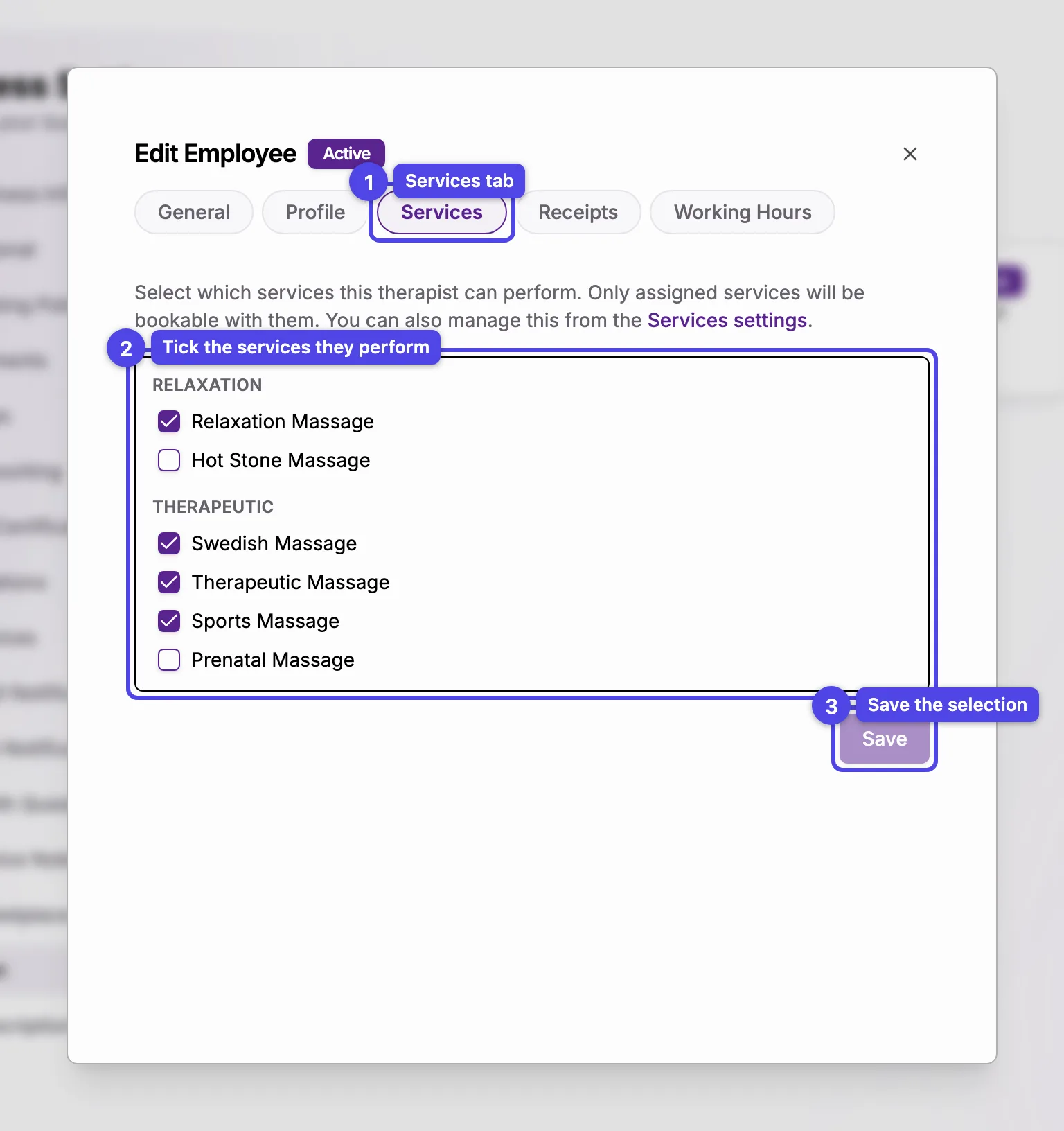
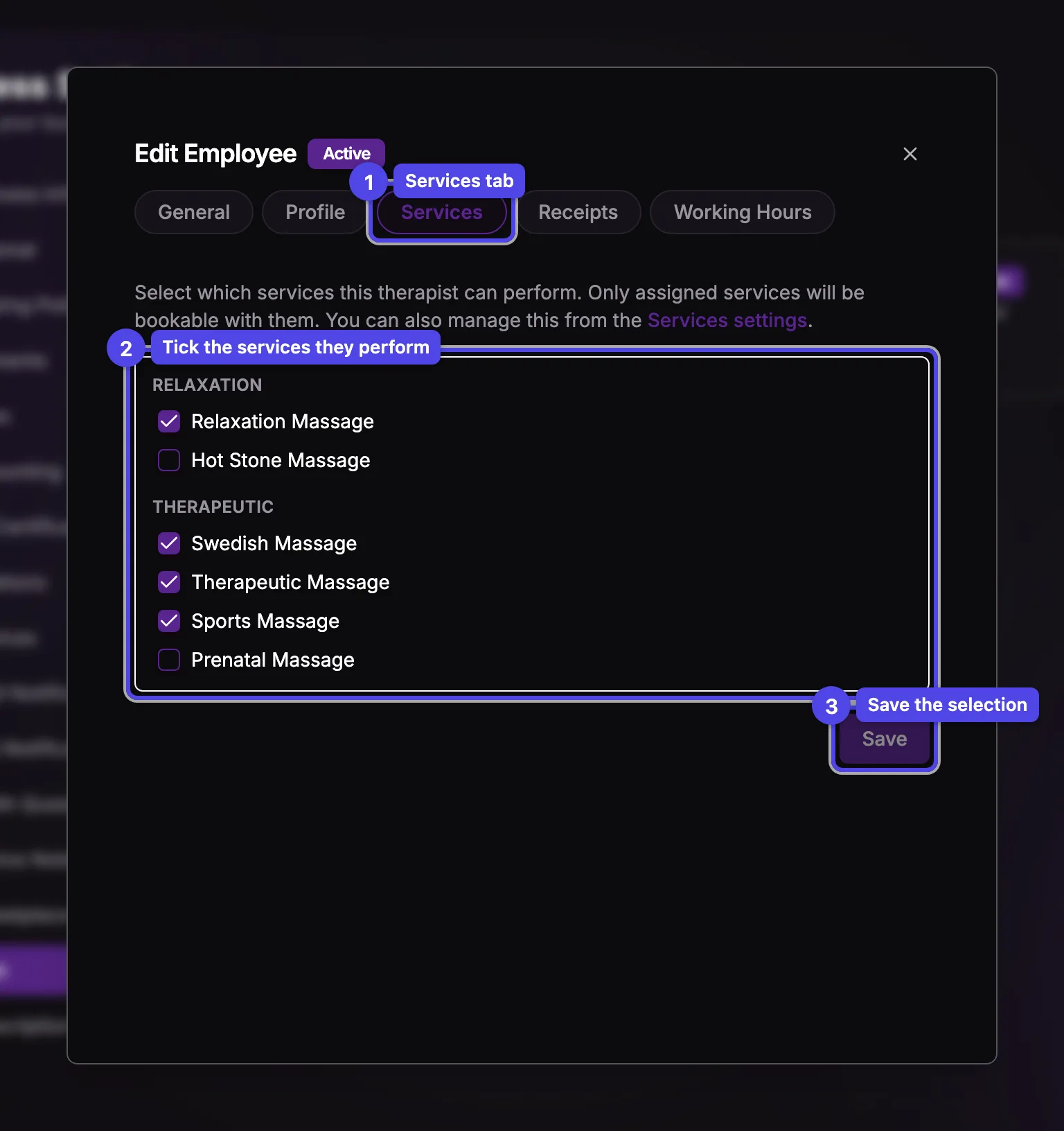
Tick the services
Services are grouped by their service group. Tick each one this therapist offers. Inactive services are still listed, marked "(inactive)".
Save
The Save button is enabled only once the selection changes. Saving makes the new set bookable right away.
This tab assigns which services the person offers. The service's name, duration, and base price are managed in Business settings → Services, linked from the top of this tab.
A per-therapist price override (charging a different price for the same service depending on who performs it) is set on the service itself in the Services settings, not here. This tab is only the assignment checklist.
Receipts tab
The Receipts tab manages the insurance receipt types this person can issue — each one ties a professional title to an association and member number that print on the receipt.
Add a receipt type
Add Insurance Receipt Type opens a form: the type (e.g. "Massage Therapy"), the association name, the member number, the association phone, and an optional website. The receipt title is filled in for you from the type.
Reorder
Use the up/down arrows to set the order they appear in.
Edit or delete
The pencil edits an entry; the trash icon deletes it after a confirmation.
Each therapist keeps their own receipt types, since the association membership and member number are personal. They're used when issuing insurance receipts for that therapist's bookings.