
Taxes
Turn on GST/QST and enter your registration numbers so taxes apply to taxable services.
Updated 2026-06-14
The Taxes section lets you configure the sales taxes applied to taxable services. It handles the two Quebec sales taxes — GST (TPS) and QST (TVQ).
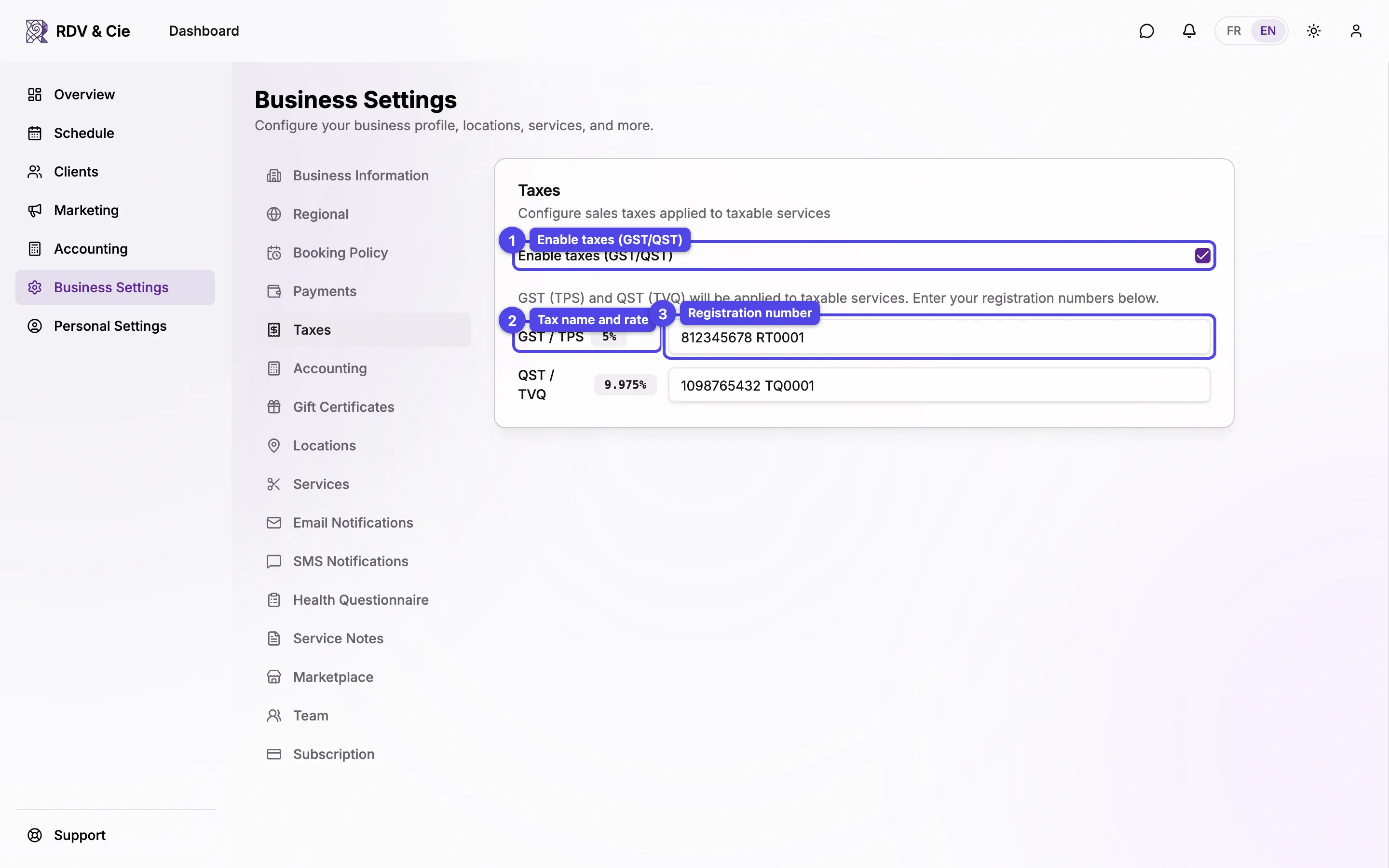
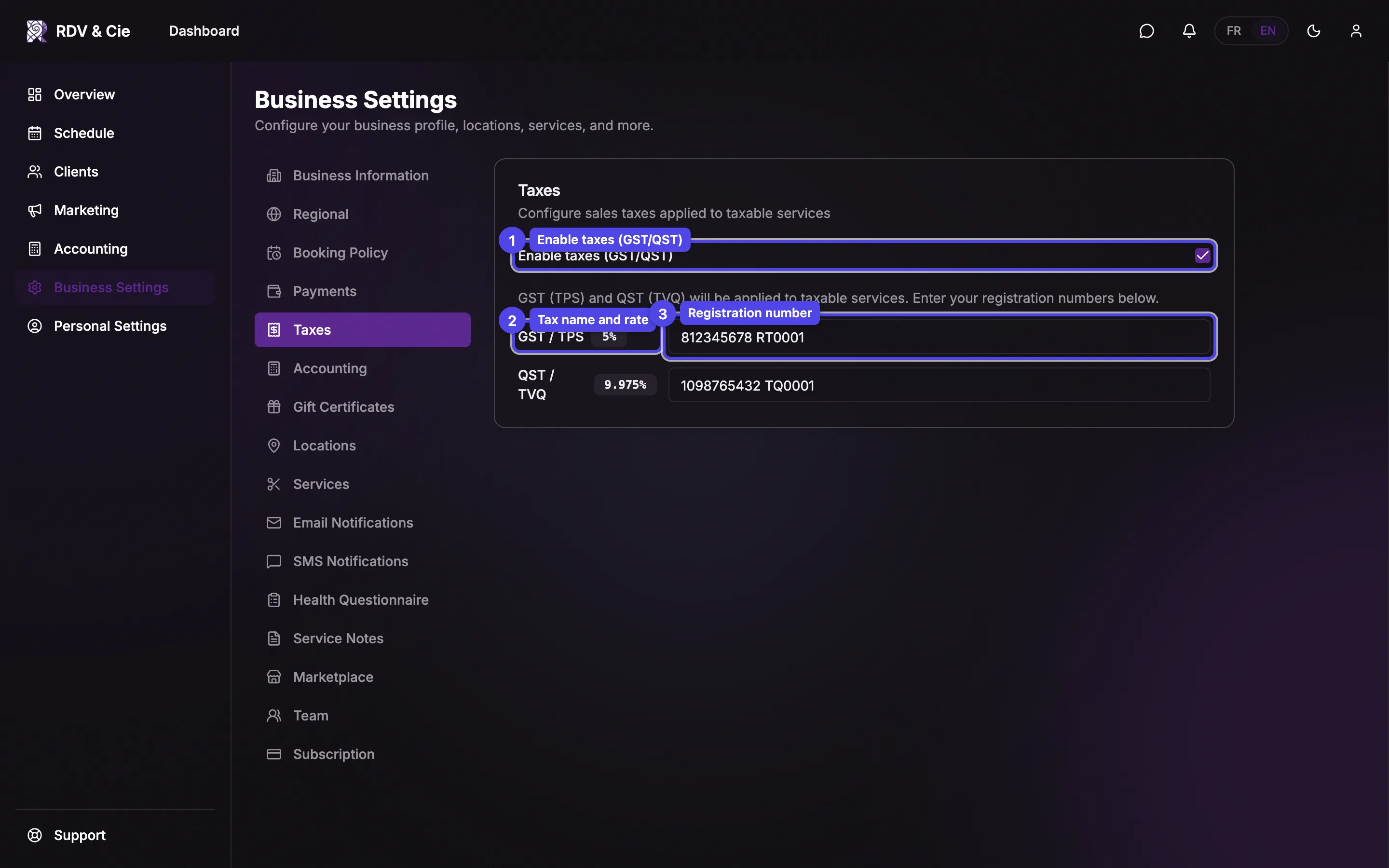
Enable taxes (GST/QST)
Tick this box to apply GST (TPS) and QST (TVQ) to your taxable services. Toggling it saves immediately and shows a Taxes enabled / Taxes disabled confirmation.
Tax name and rate
Once enabled, each tax is listed with its name and rate — GST / TPS at 5% and QST / TVQ at 9.975%. The rates are fixed.
Registration number
Enter your registration number for each tax (for example, 123456789 RT0001).
These appear on receipts and invoices. The fields save automatically as you
type.
There is no add, edit, or delete here — the two Quebec rates are built in. The toggle activates or deactivates the pair, and the only thing you fill in is each registration number.