
Boutique
Turn on a public storefront where clients buy gift certificates, custom-amount cards, and forfait packages online.
Updated 2026-10-01
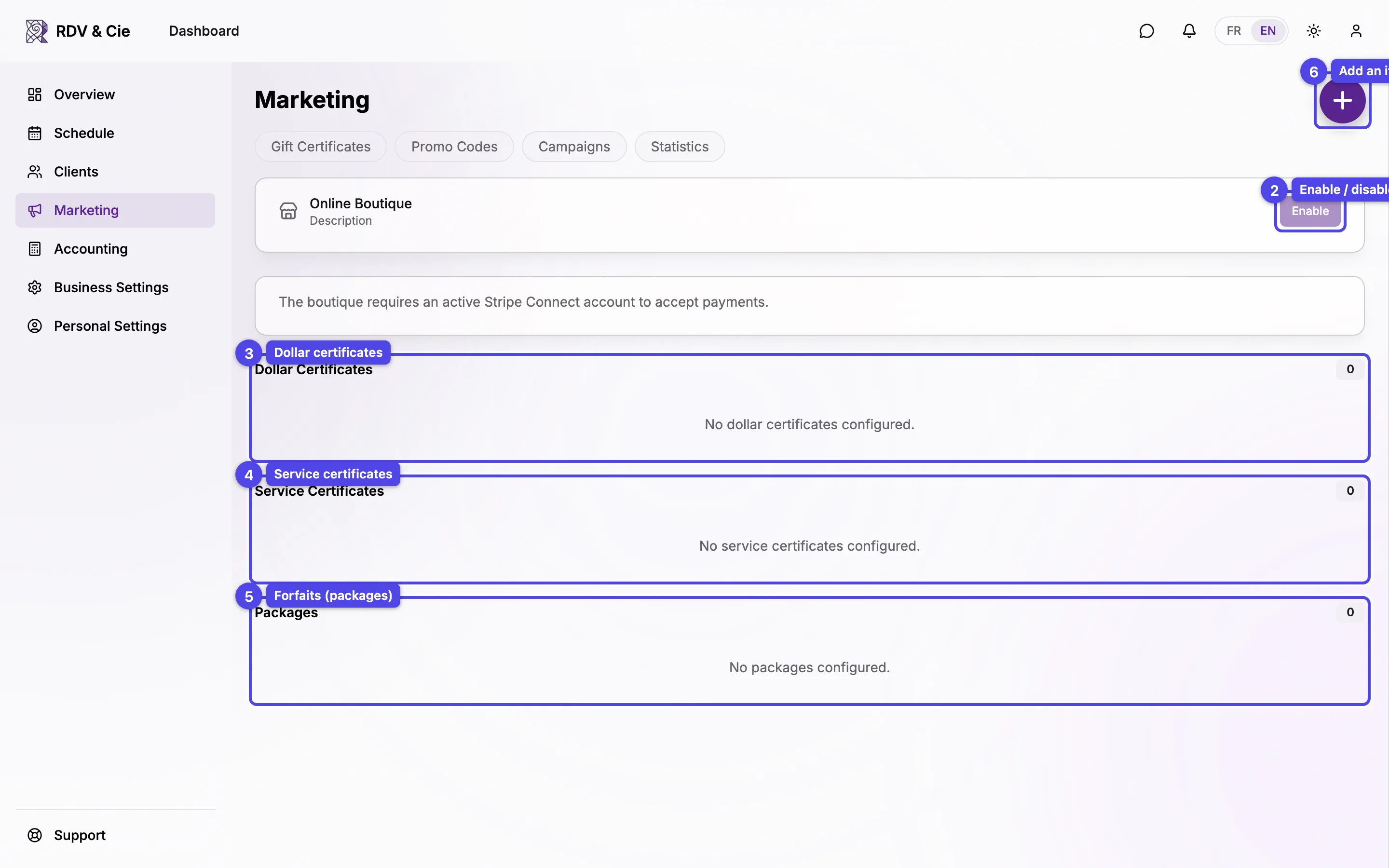
The Boutique is a public page where clients buy gift certificates and packages online and pay by card. It needs Stripe payouts connected before you can turn it on.
Turn it on and share it
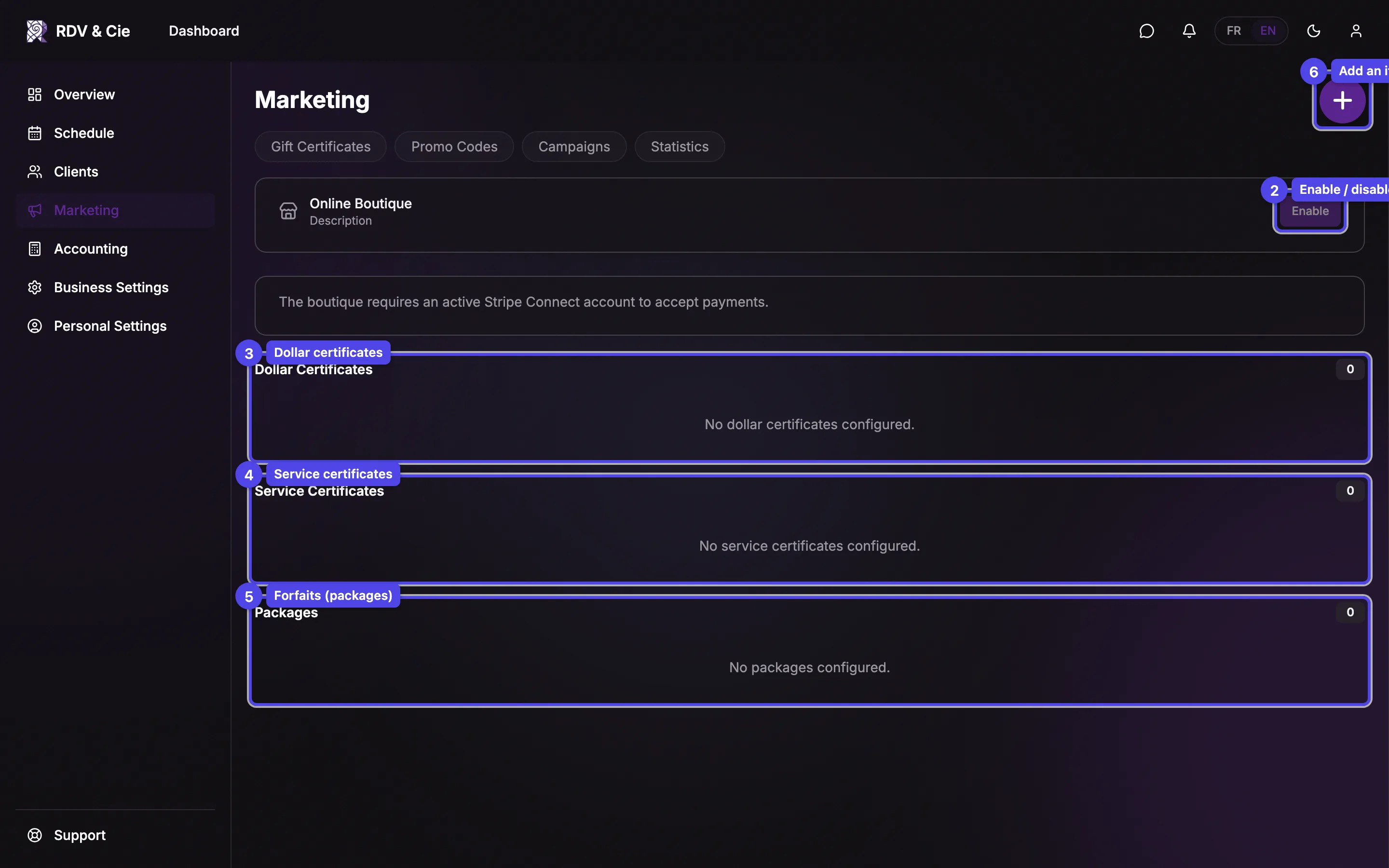
The header card has the master switch:
Enable / Disable
Turns the storefront on or off. It stays disabled until Stripe payouts are connected.
View boutique
Opens your live storefront in a new tab.
Copy link
Once enabled, the public URL is shown with a copy button — share it on your site, social media, or in a newsletter.
The item sections
Items are grouped by type, each with a count badge:
- Dollar certificates — fixed amounts (e.g. $100) and custom-amount cards where the client chooses a value within a range you set.
- Service certificates — a specific service, optionally at a discounted price. A warning appears if the underlying service is hidden from clients.
- Forfaits — multi-session packages bundled at one price. A warning appears if any session's service is unavailable.
Hover a row to reveal the pencil (edit) and trash (delete) icons.
Add or edit an item
Press the round + button to open the item editor.
Type
Pick Dollar certificate, Custom amount, Service certificate, or Forfait. Type can't be changed after creating an item.
Location & therapist scope
For service certs and forfaits, restrict to certain locations and lock to one therapist — the service picker filters to match.
Service & price
Service certs auto-suggest a tax-inclusive price from the chosen service; edit it down to show a discount. Forfaits list sessions you add one at a time, with a running total and discount.
Amount or range
Dollar certs take a single amount; custom-amount cards take a minimum and maximum.
Name & description
Optional bilingual name and description override (forfaits require a name).
Popular, discount label, expiry
Mark an item Popular to highlight it, add an optional discount label (e.g. "Save 15%"), and override the default expiry in months.
Press Create (or Save) to publish the item to your storefront.
A service certificate whose service is hidden from clients, or a forfait with an unavailable session, is flagged in the list — clients can't complete those purchases until you fix the underlying service.