
Accounting overview
Bills, quotes, income, expenses, payments, and tax-ready reports — all in one place.
Updated 2026-09-29
The Accounting area tracks the money side of your business — what you've billed, what you've earned, and what you've spent — and turns it into tax-ready reports for your income tax (T2125) and sales tax (GST/QST) filings.
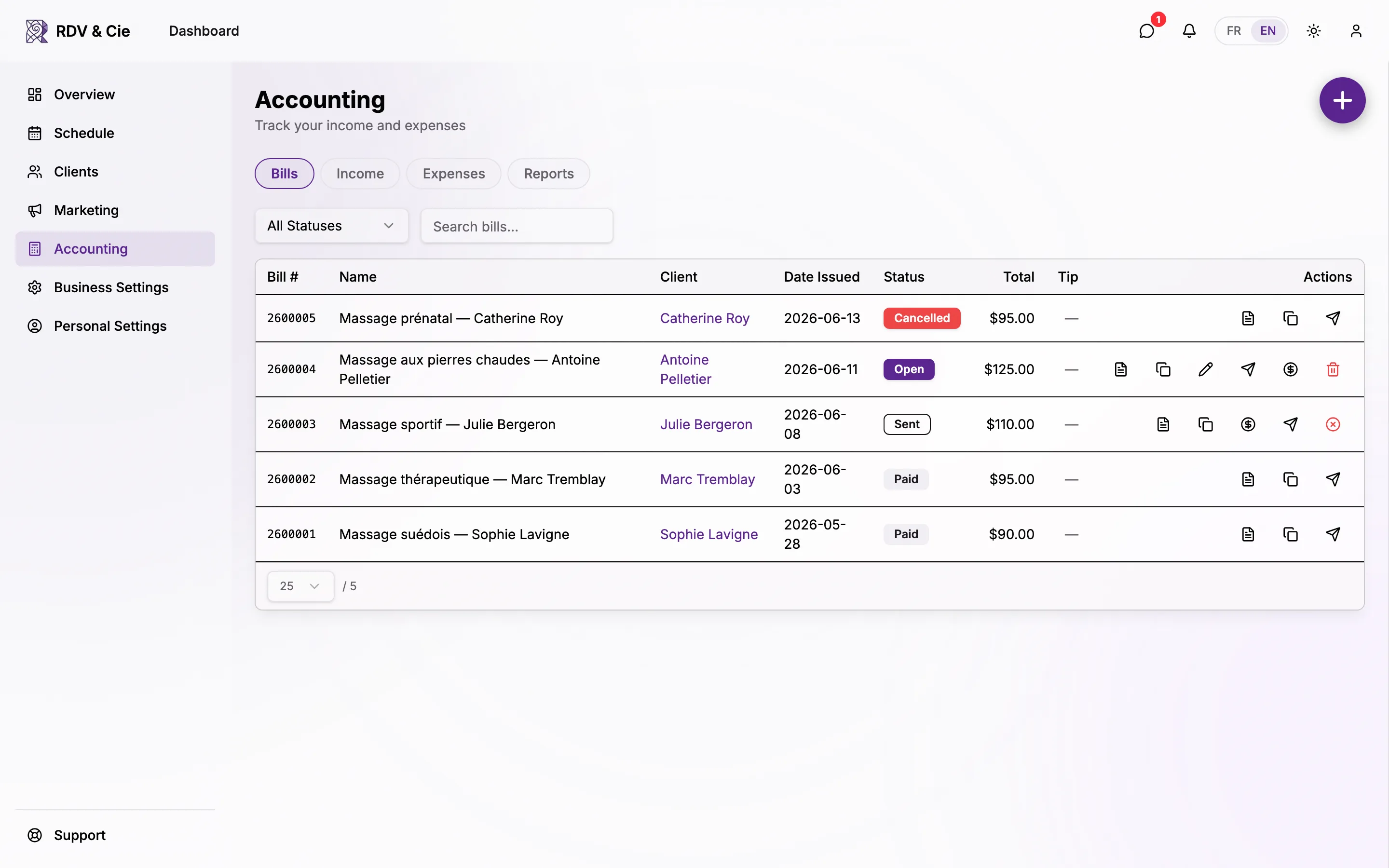
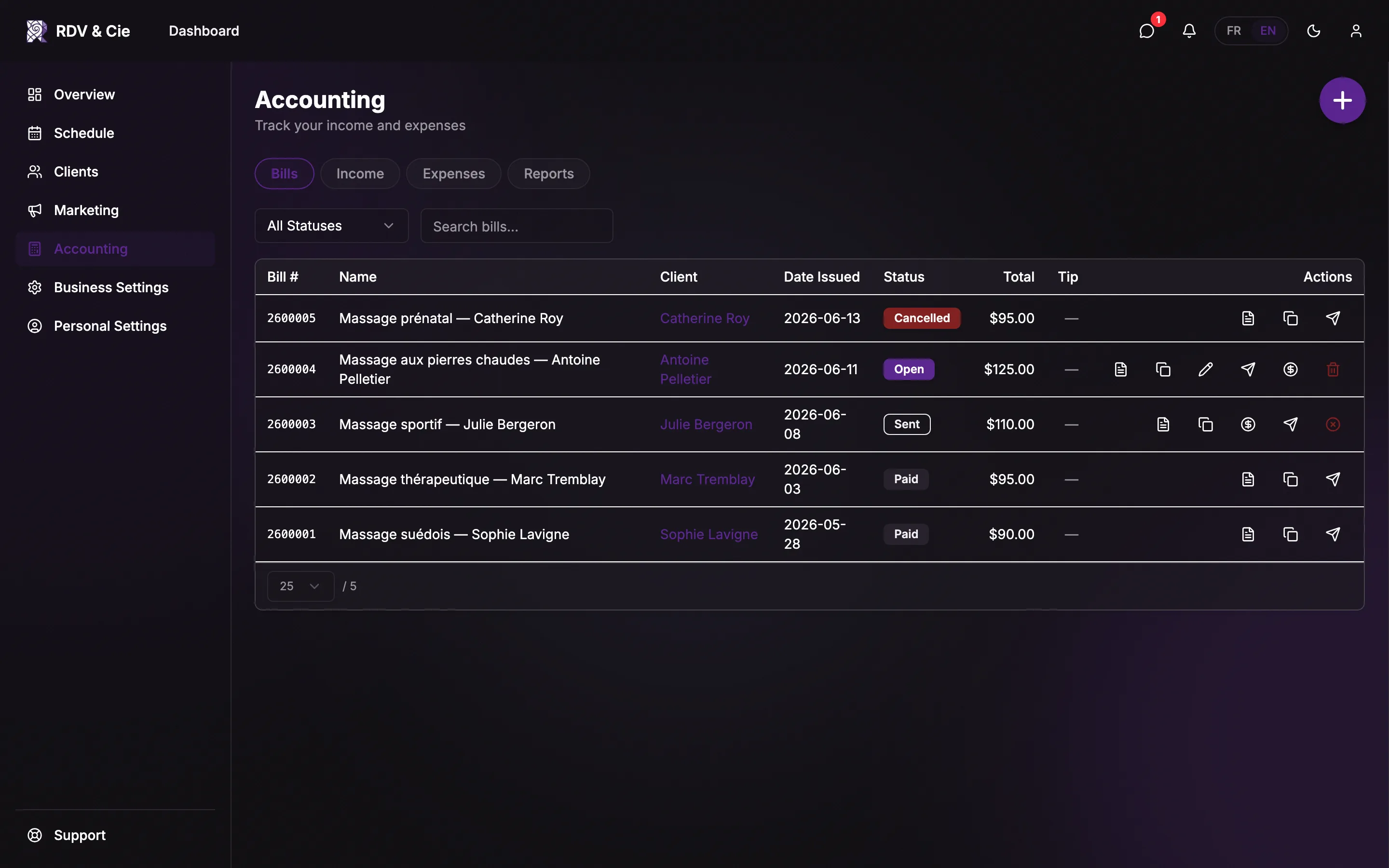
The tabs
Open Accounting from the dashboard. It opens on the Bills tab. A row of pills at the top switches between the areas.


Bills
Every invoice — its number, client, date, status, total, and tip. Create, send, duplicate, download, or mark a bill paid. See Bills.
Quotes
Price estimates you send a client before the work is agreed on. Send them as often as needed, record the client's answer, and turn an accepted one into a bill. See Quotes.
Income
Money you've received that isn't already a bill — recorded by hand or imported from a CSV. See Income & expenses.
Expenses
What you've spent, sorted into Canadian tax-form (T2125) categories, with GST/QST and a deductible percentage per line.
Payments
Online payments collected through Stripe. This tab only appears when your Stripe Connect account is active.
Reports
Generate income-tax and sales-tax summaries for any period and export them as PDF. See Reports.
The Income, Expenses, Payments, and Reports tabs are for the business owner and employees with accounting access. An employee who can only read bills sees the Bills and Quotes tabs only.
Bills created from completed bookings already record their income, so most of your earnings are captured automatically. Use Income for cash, tips, or sales that happen outside the schedule, and Expenses for everything you buy.
Dates, taxes, and money
- Most tabs default to the current calendar year and let you pick any date range — the range respects your fiscal year start so quarters and years line up with your filings.
- Tax columns (GST/TPS, QST/TVQ) appear automatically once you've set up tax rates in Settings → Taxes. Without tax rates, the Sales Tax report is hidden.
- Every amount is stored to the cent and shown in your business currency.