
Client files
Choose what appears in your clients' profiles — like the Documents tab for medical reports and forms.
Updated 2026-10-05
Business Settings → Client files controls what your team sees in each client profile.
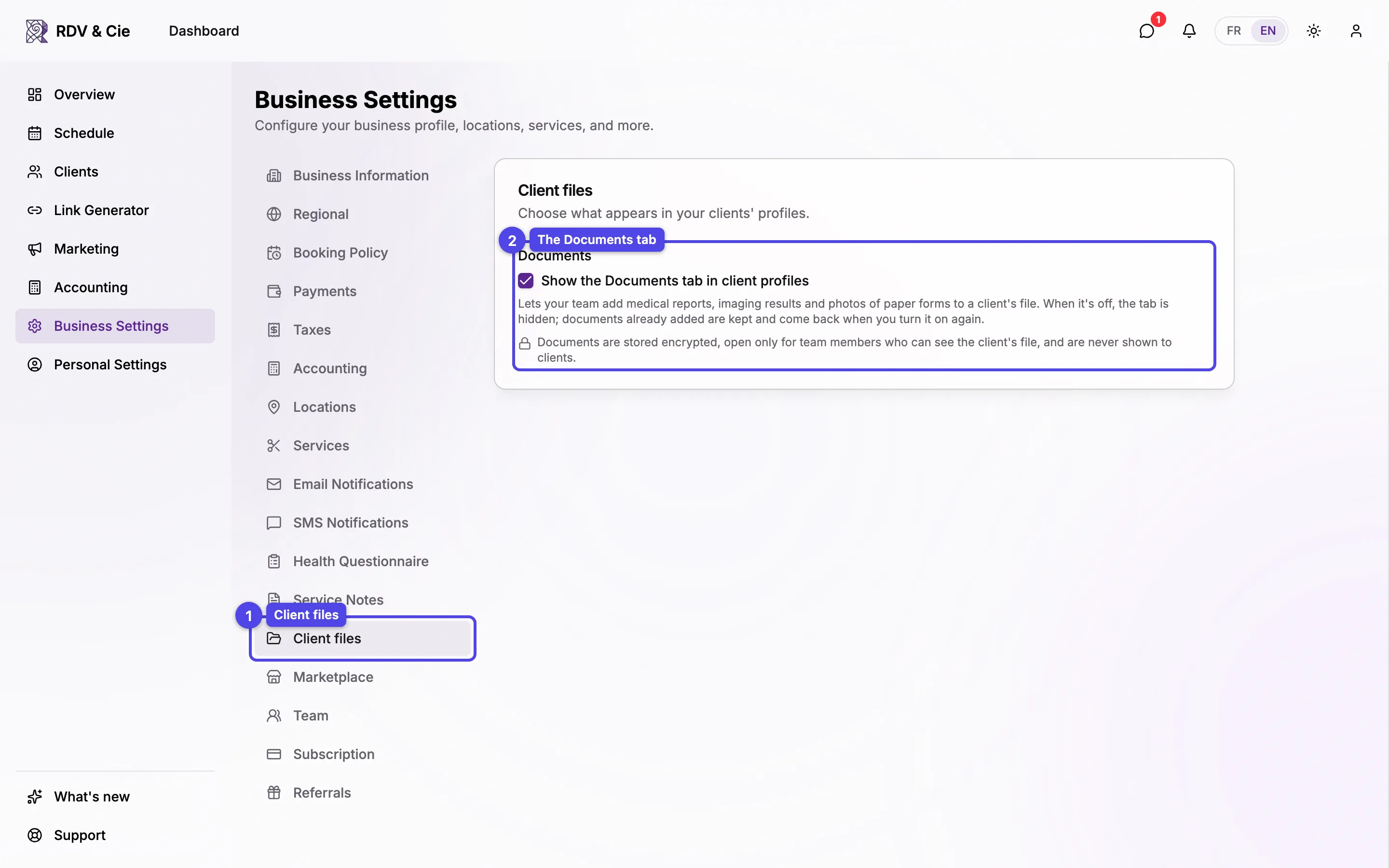
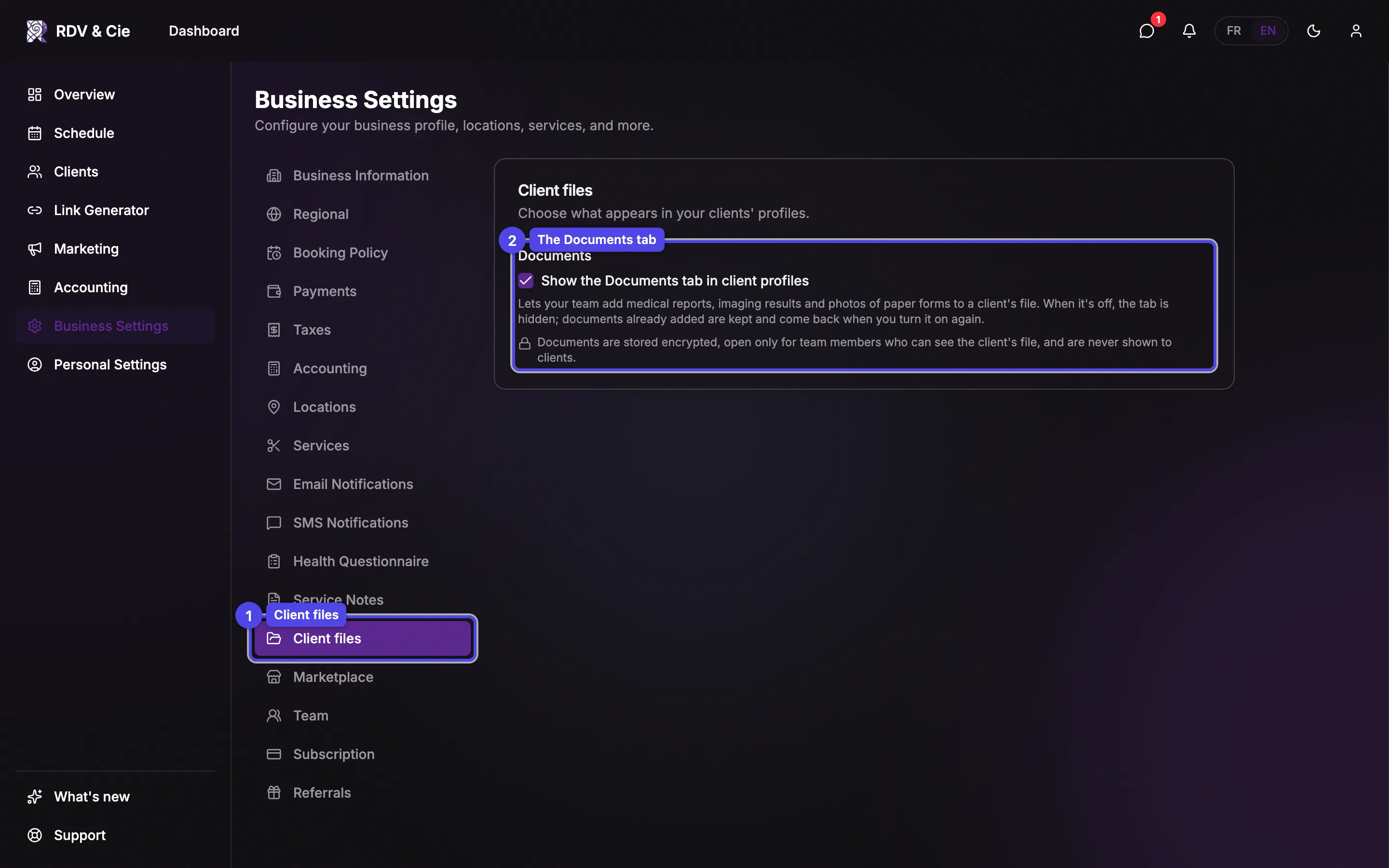
The Documents tab
Tick Show the Documents tab in client profiles to let your team attach medical reports, imaging results and photos of paper forms to a client's file. It's off by default — turn it on only if your business uses it. The change saves on its own.
- On: every client profile gets a Documents tab. See Client documents.
- Off: the tab is hidden for everyone. Documents already added are kept — they come back when you turn it on again. Nothing is deleted.
Documents are stored encrypted, open only for team members who can see the client's file, and are never shown to clients. See How your documents are protected.
The Client files section appears when documents are available for your business. It's open to the owner and to team members who can manage business settings.