
Sell a session pack by hand
Sell several sessions together at a pack price — at the counter, by e-transfer or as a private deal.
Updated 2026-10-06
A session pack is several sessions sold together, usually below the regular price — for example 5 Swedish massages for 400 $. You can sell one to a client yourself: open the Gift Certificates tab in Marketing, click the + button (Create Gift Certificate) and choose the Session pack type. You can also start from the client's profile — see The client profile.
Each session becomes its own gift certificate with its own code. The client uses one session per visit. Define the packs you sell often once, in Session packs, so you can start from one.
No payment goes through the app: collect it as you usually do (cash, e-transfer, your terminal) and note how it was paid in Internal Notes if you like. Each session counts as income when it's used, at the price the client paid for it — so the visit's bill and insurance receipt show that price, not the regular one.
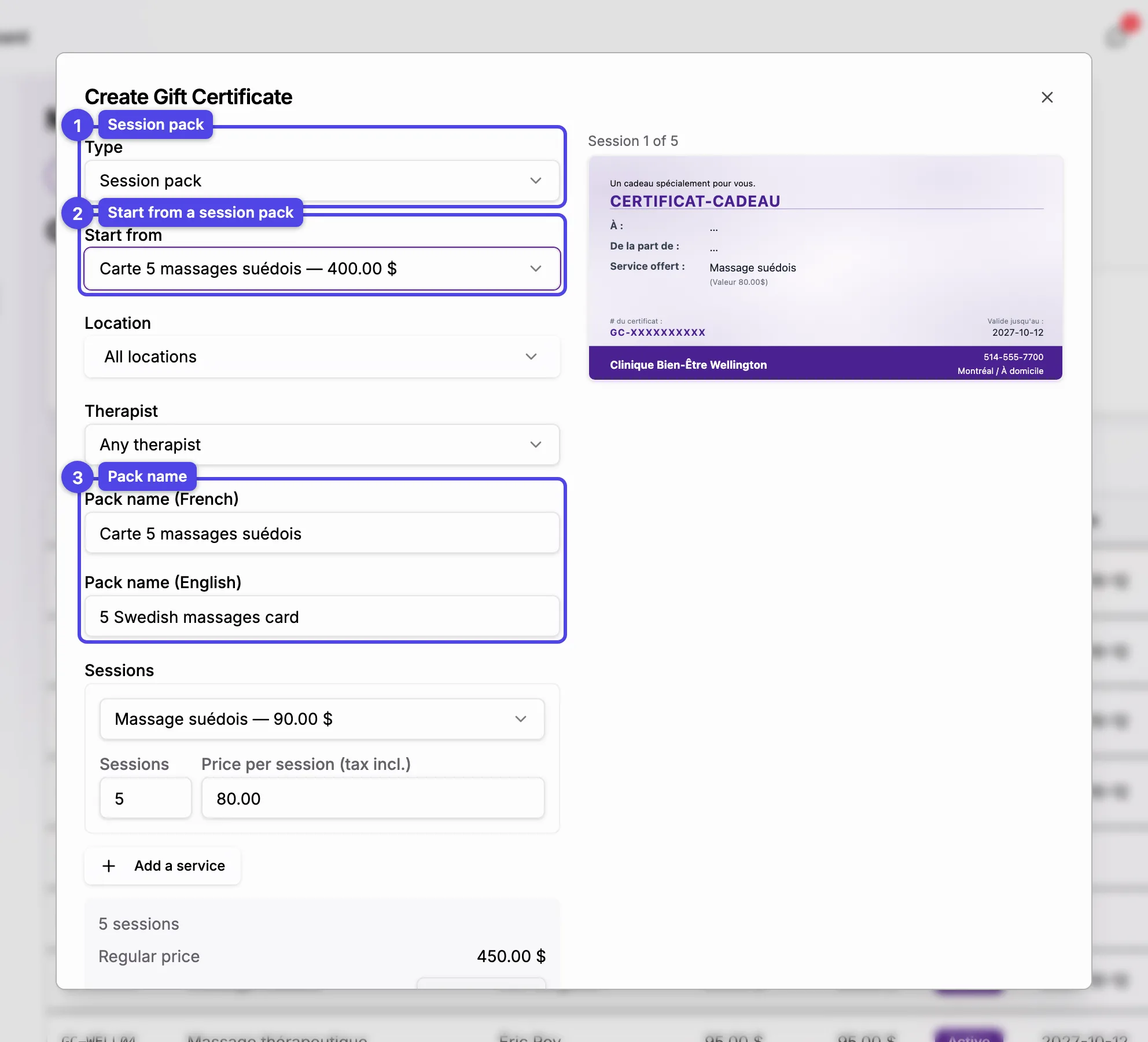
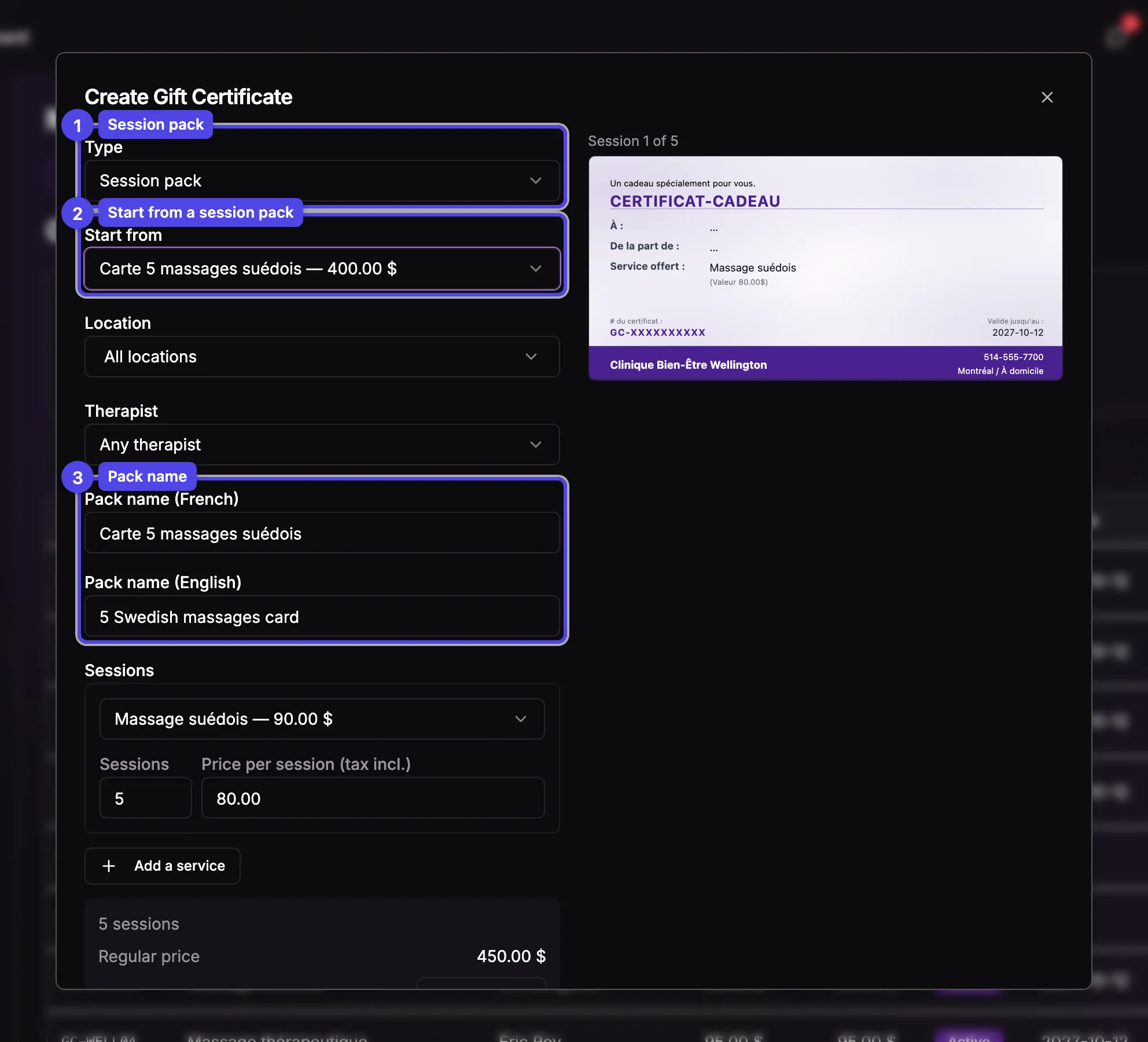
Type: Session pack
In Type, choose Session pack.
Start from
Pick one of your session packs to copy its name, sessions, prices, therapist, locations and validity, or keep Custom pack to build your own. This only fills in the form: nothing you change here modifies the session pack. The selector appears once you have at least one.
Therapist and pack name
Choose a Therapist to lock the whole pack to them, or Any therapist. A custom pack is named after its sessions ("5 × Swedish Massage") until you type your own name.
Sessions
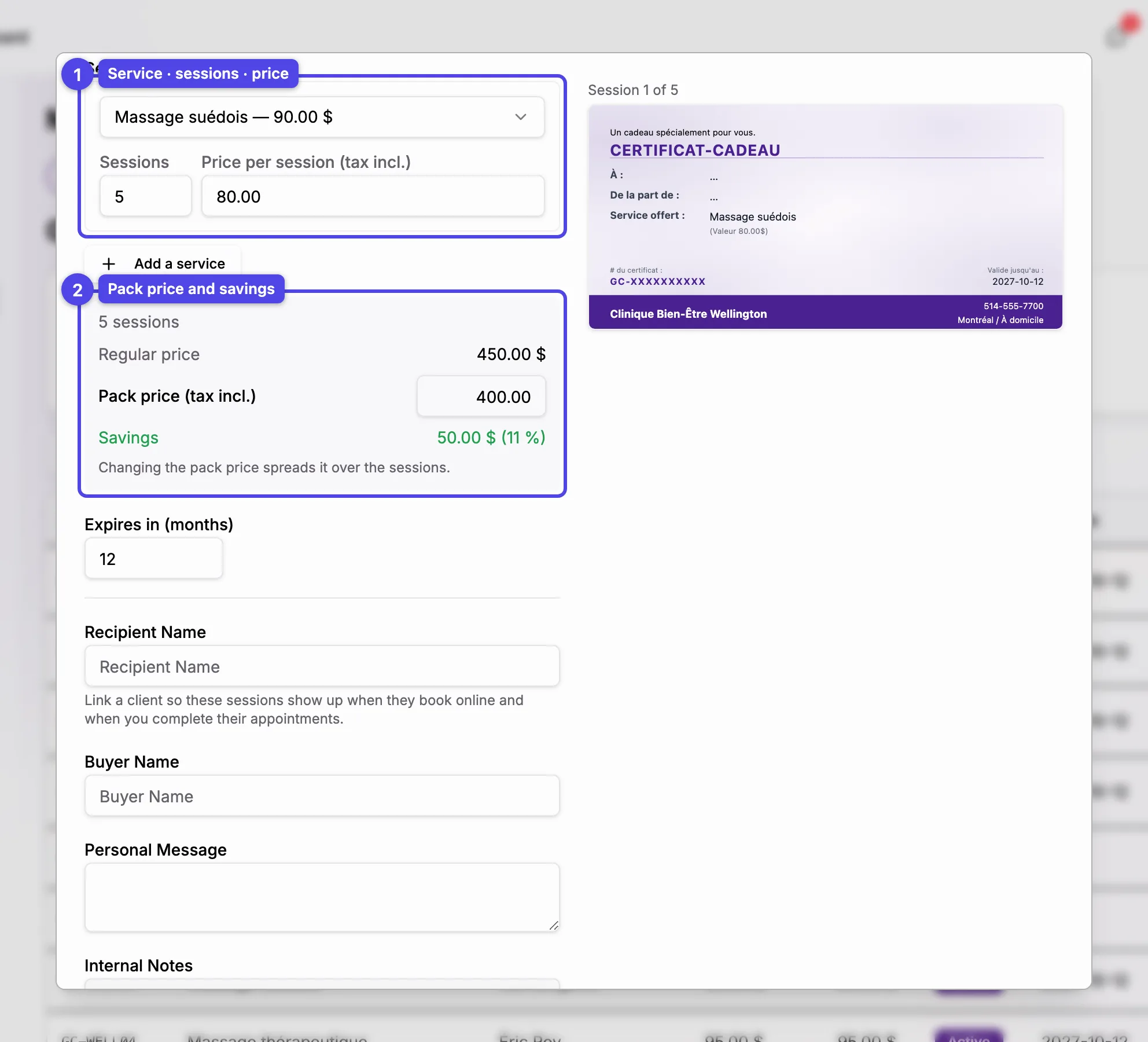
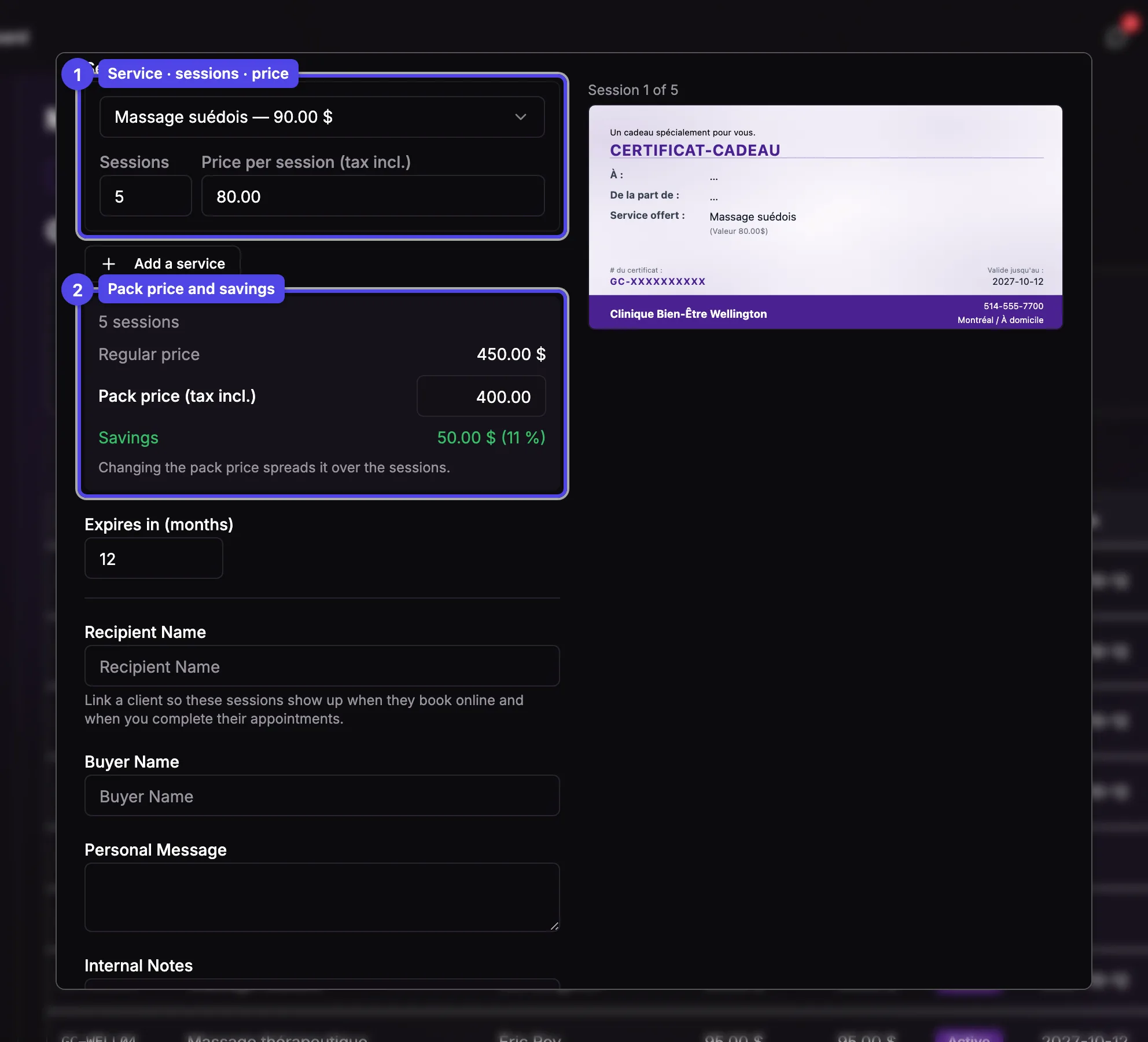
Each row is a service, its number of sessions and the Price per session (tax incl.), prefilled with the service's regular price. Add a service adds another row, for a pack that mixes services. A pack holds up to 50 sessions.
Pack price
Type the price you agreed on in Pack price (tax incl.): it's spread over the sessions in proportion to their regular price, and the Savings line shows the discount. When the price doesn't divide evenly, some sessions are worth one cent less so the total is exact.
Client, message and email
Link the client in Recipient Name: their sessions then show up when they book online and when you complete their appointments. The buyer is the recipient unless you fill in someone else. Leave Send email to buyer checked to email every code, with a PDF that has a page per session.
Press Create Gift Certificate. The pack's sessions appear in the list, each with a Session pack badge, the pack's name and how many sessions are left.
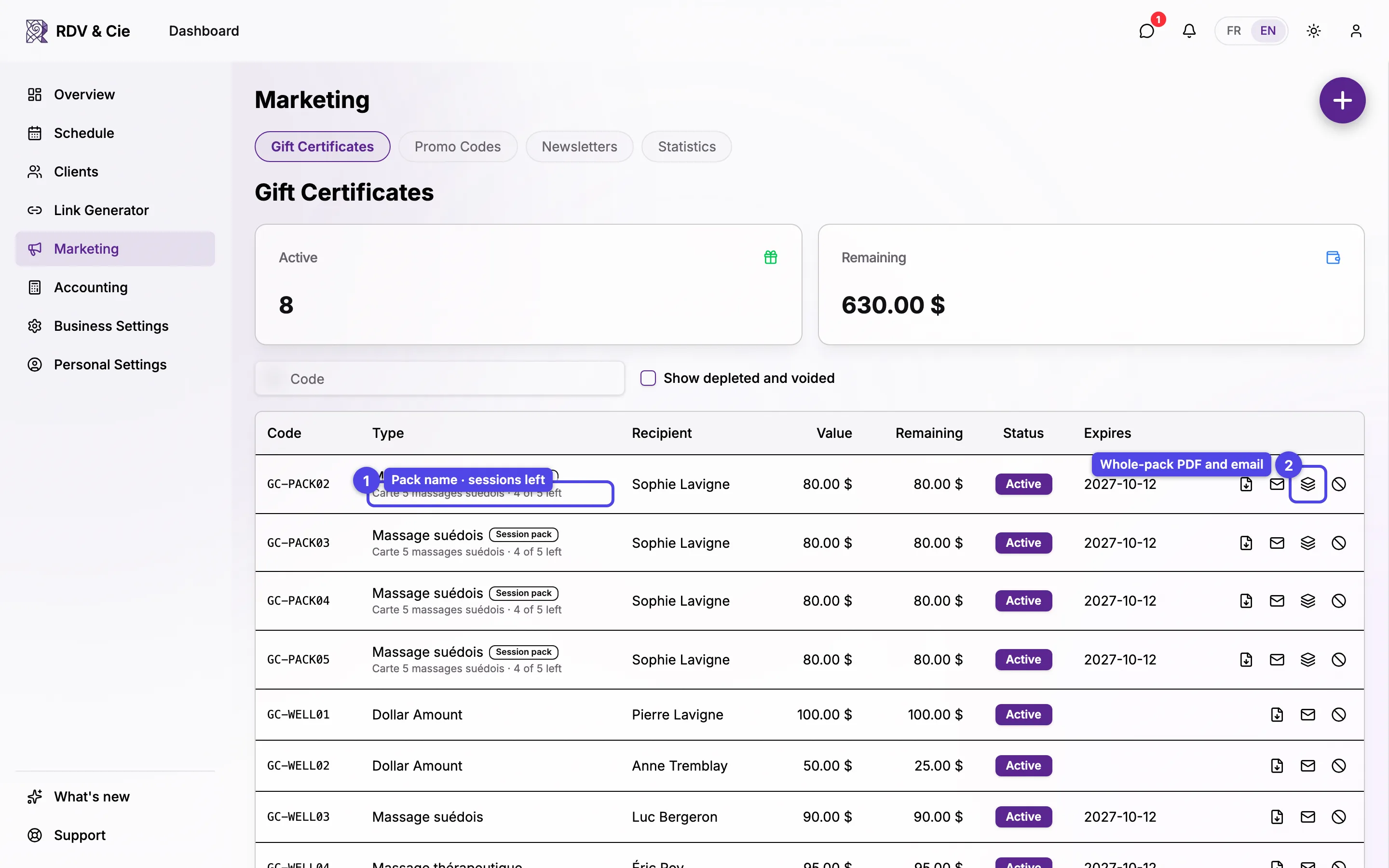
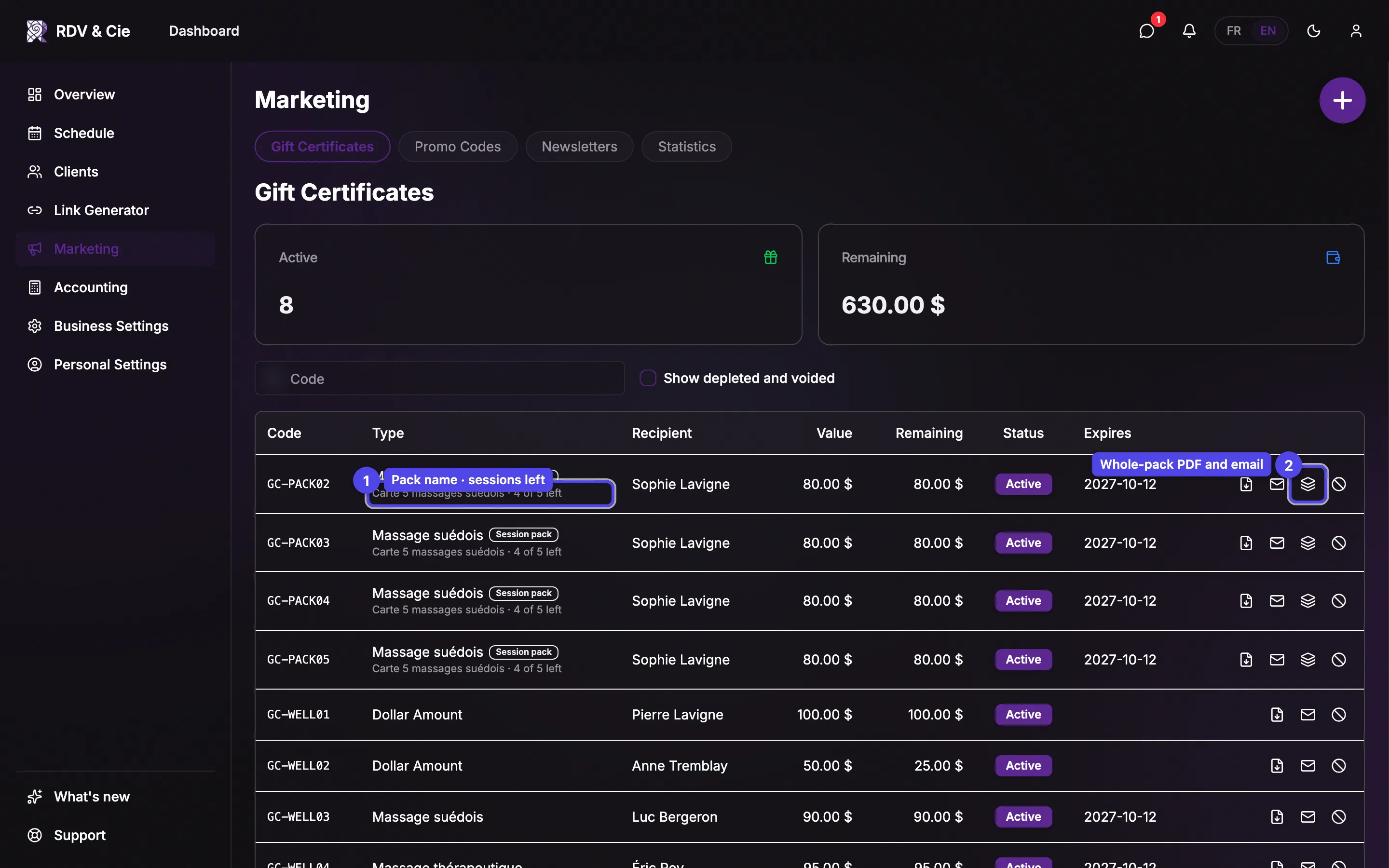
The pack menu on a session's row lets you Download pack PDF or Email the whole pack again. Each session keeps its own PDF, email and void buttons.