
Regional
Set your timezone, the language used for client emails, and which languages your business supports.
Updated 2026-06-14
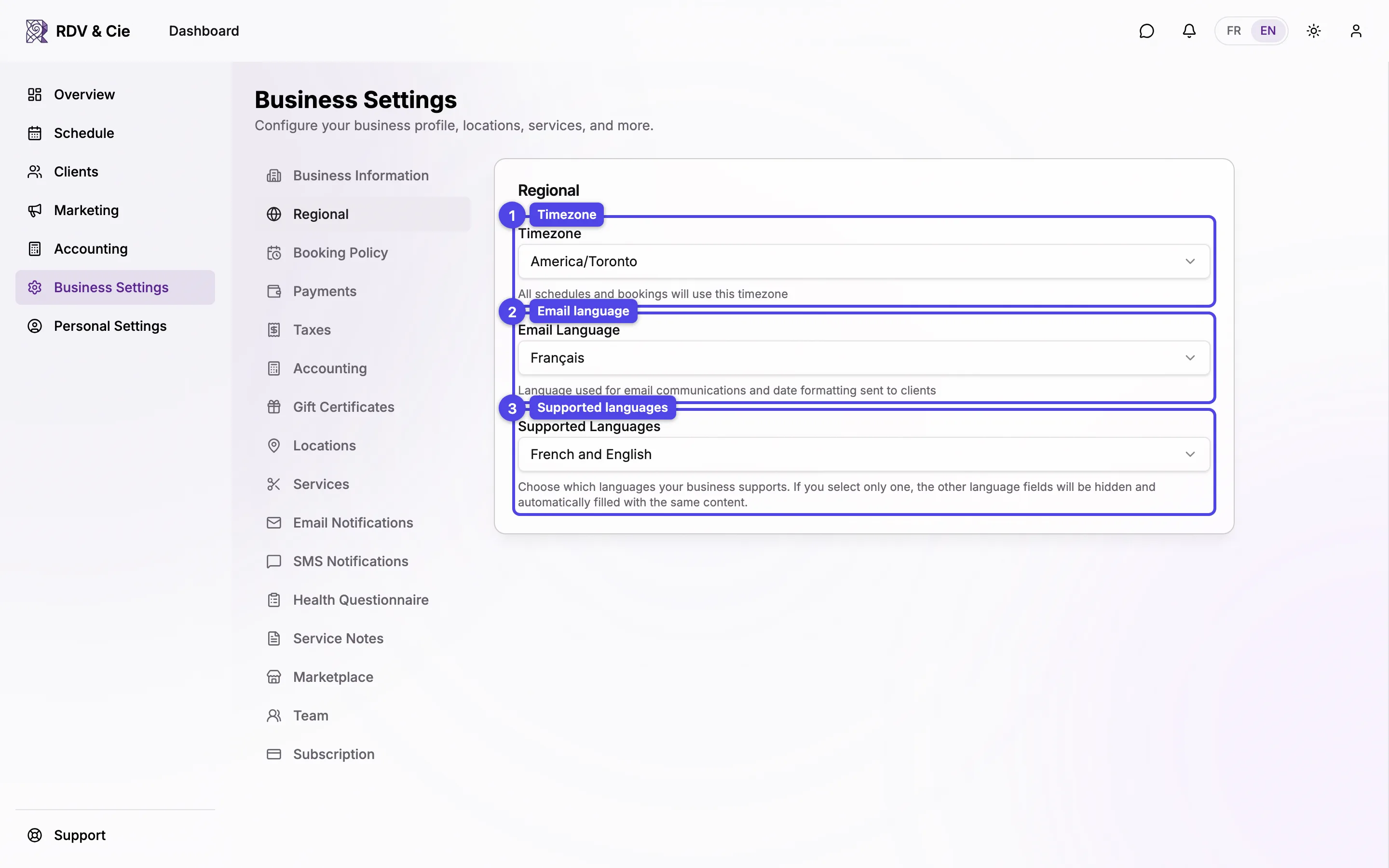
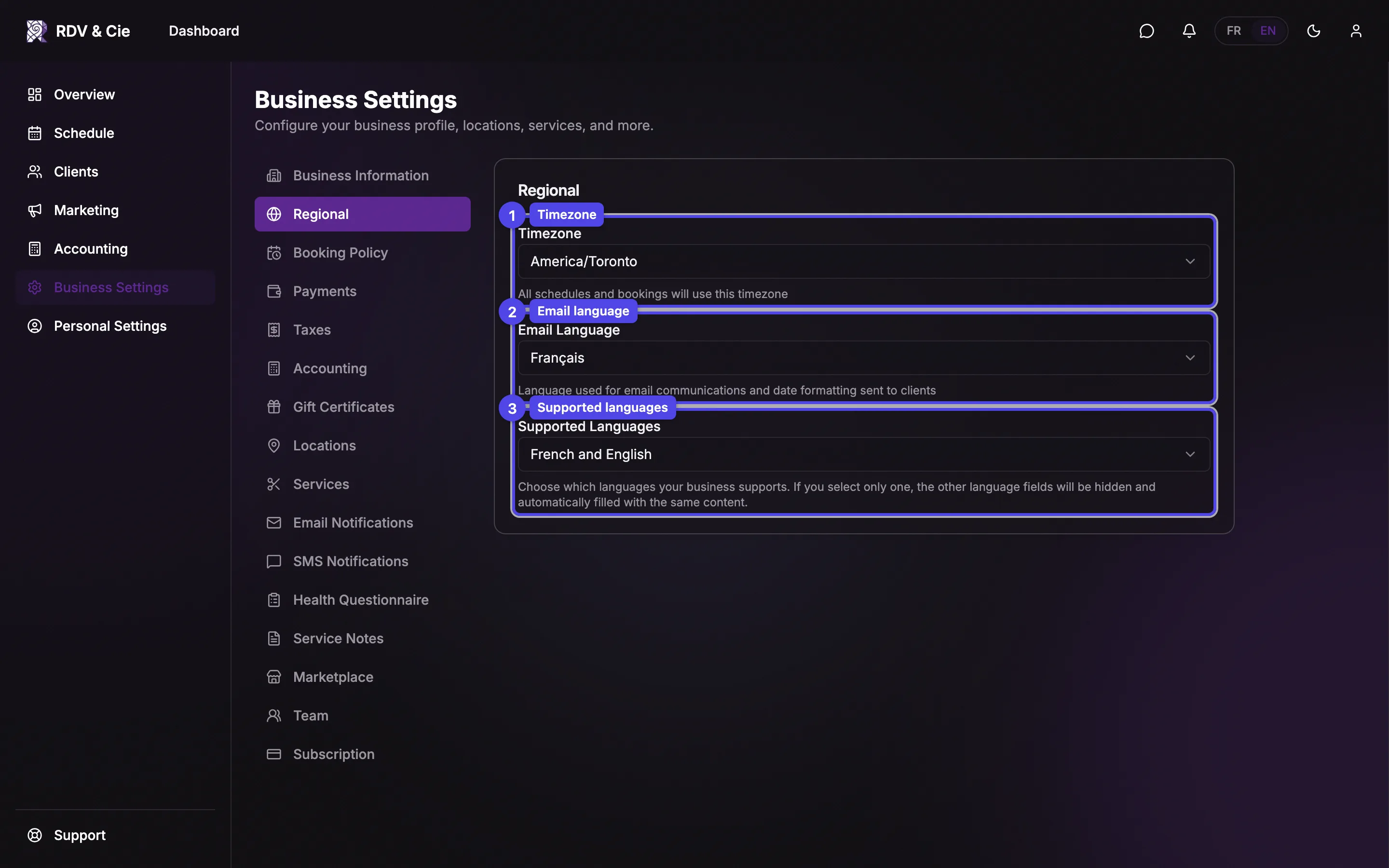
The Regional section controls your timezone and language preferences. Everything here saves automatically — change a value and a toast confirms it.
Timezone
Pick the timezone your business runs in. All schedules and bookings will use this timezone — start times, reminders, and availability are all calculated from it.
Email Language
The language used for email communications and date formatting sent to clients. Choose English or Français.
Supported Languages
Choose which languages your business supports for bilingual fields: French and English, French only, or English only. If you select only one, the other language's fields (service names, policies, and so on) are hidden and automatically filled with the same content.
Setting Supported Languages to a single language hides the second-language input fields throughout settings — handy if you only ever serve clients in one language.